Installation Guide
Select your operating system
Android Installation
Note: Due to the clinical study, installation occurs outside the Play Store. Follow Android instructions for installing from unknown sources.
Thank you!
We have recorded your email and will contact you as soon as the app is available.
Installation on iPhone
System Requirement: iOS 17.5 or higher.
Please update your iPhone if necessary in Settings under General > Software Update.
1. TestFlight & Activation
Use the button to open the link to the TestFlight app. You need this app to install the study app.
Enter the following PIN in TestFlight: nFR965tK
Alternatively, scan QR code:

Open your iPhone's camera app and scan this code.

2. Install NewKnee
You can now install and open the NewKnee app on your iPhone.

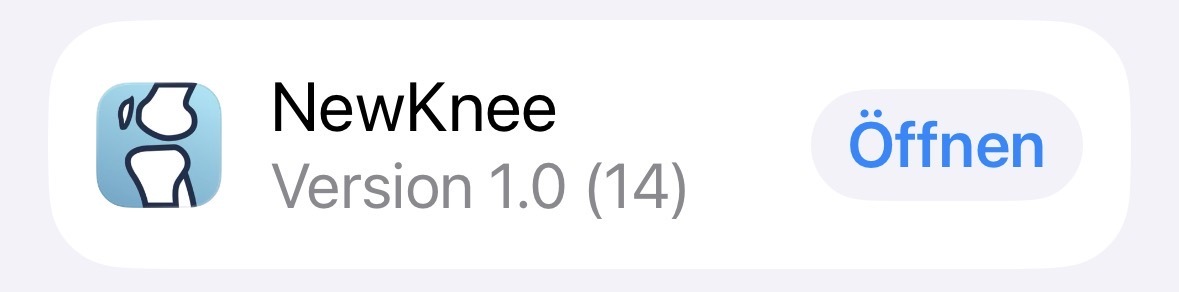
3. App Launch
Now open the NewKnee app and follow the steps within the app.
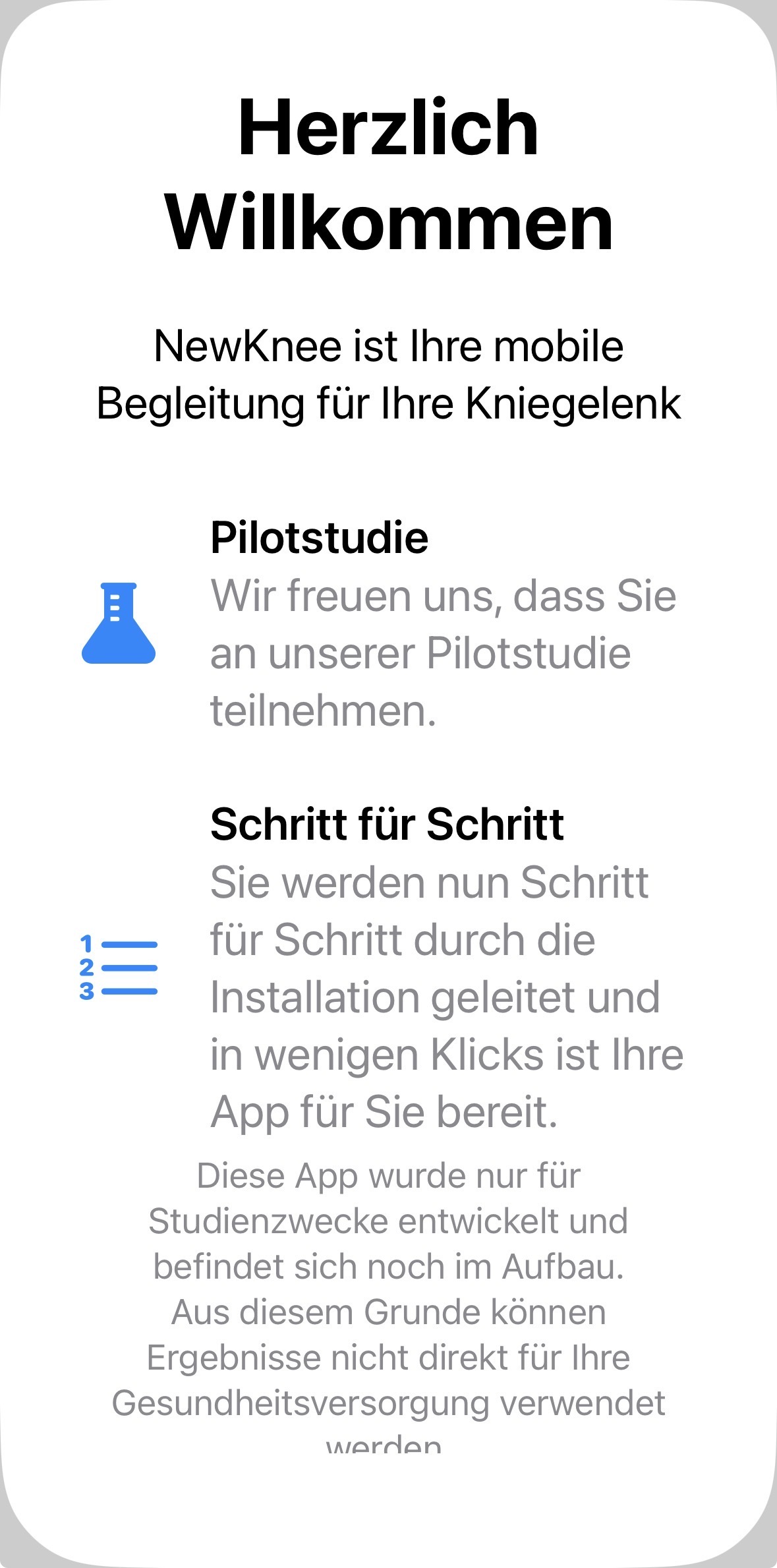
4. Patient Information
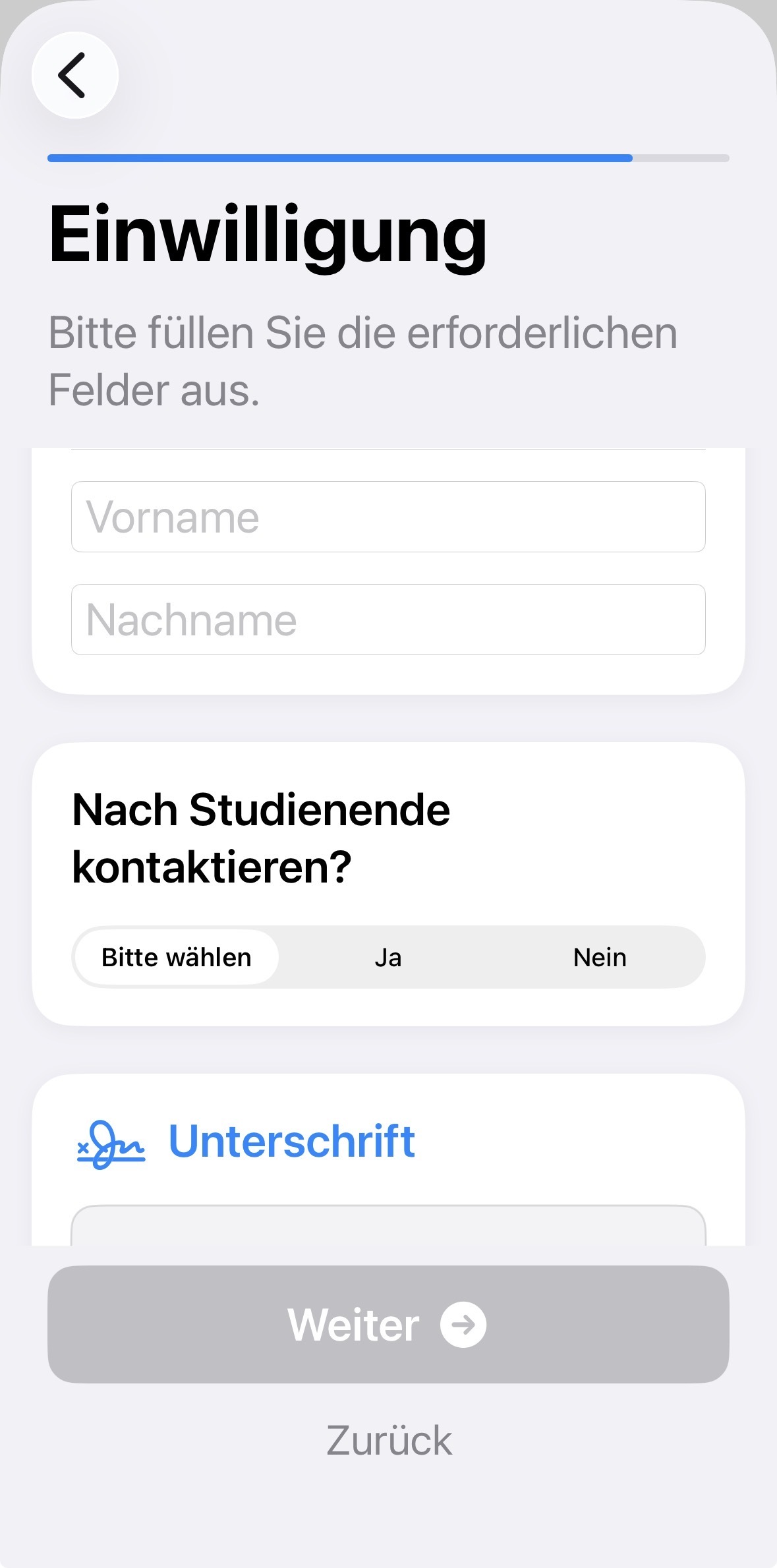
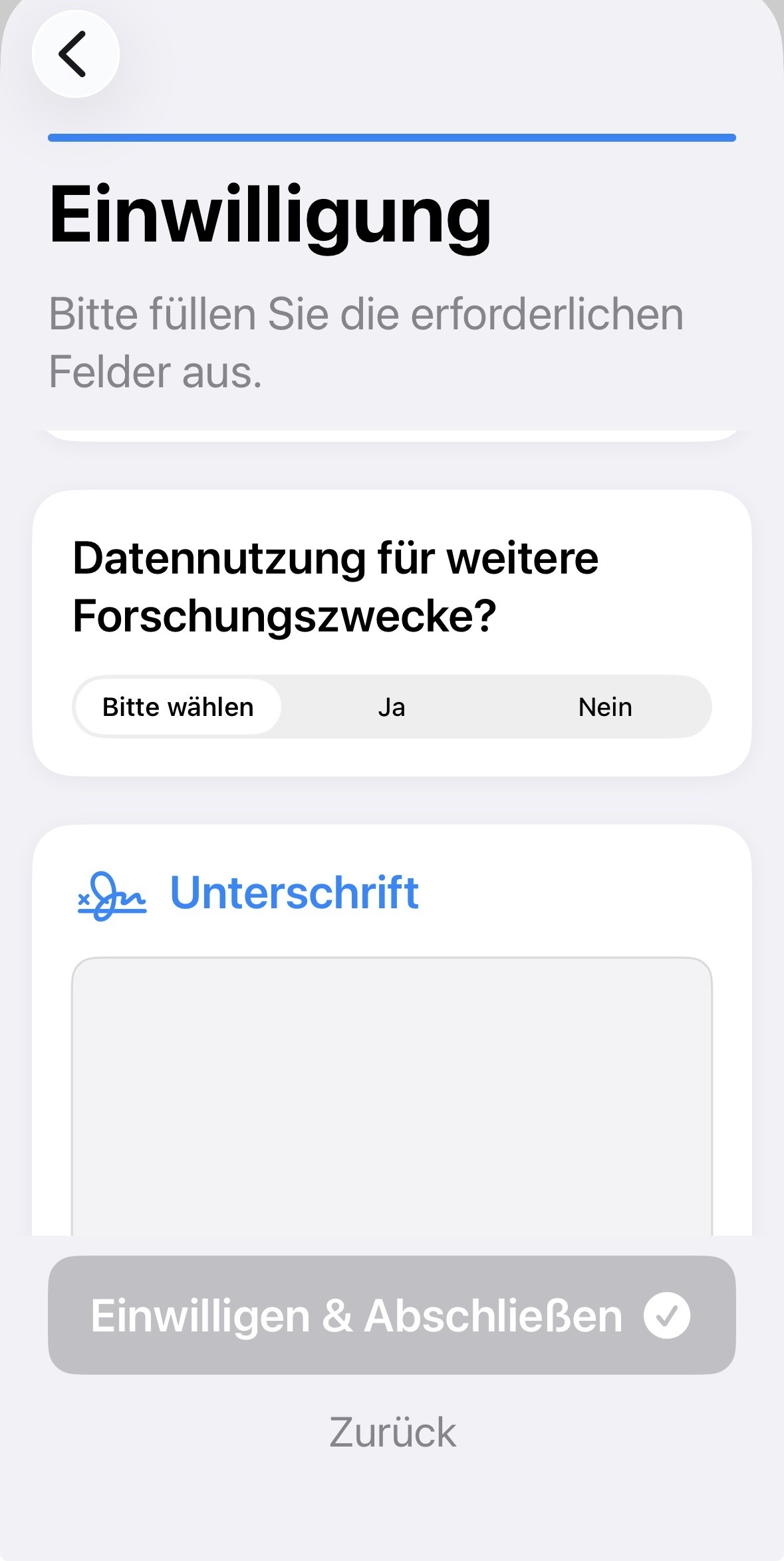
Read the patient information carefully. The following information is required:
• Consent to participate
• Consent to data processing
Confirm with "Consent & Finish" (PIN/Face-ID).
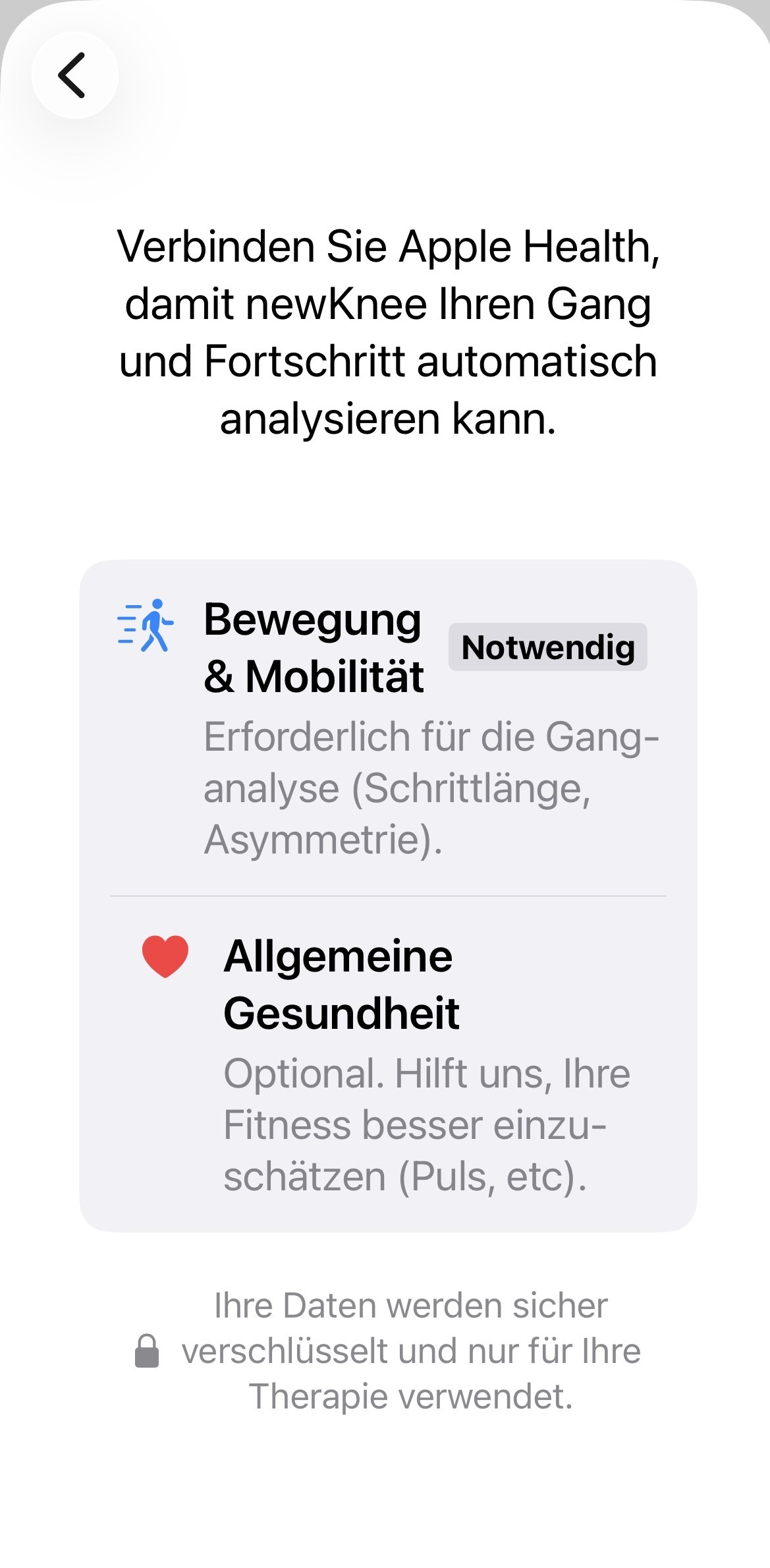
5. Apple Health Connection
Activate the connection with Apple Health.
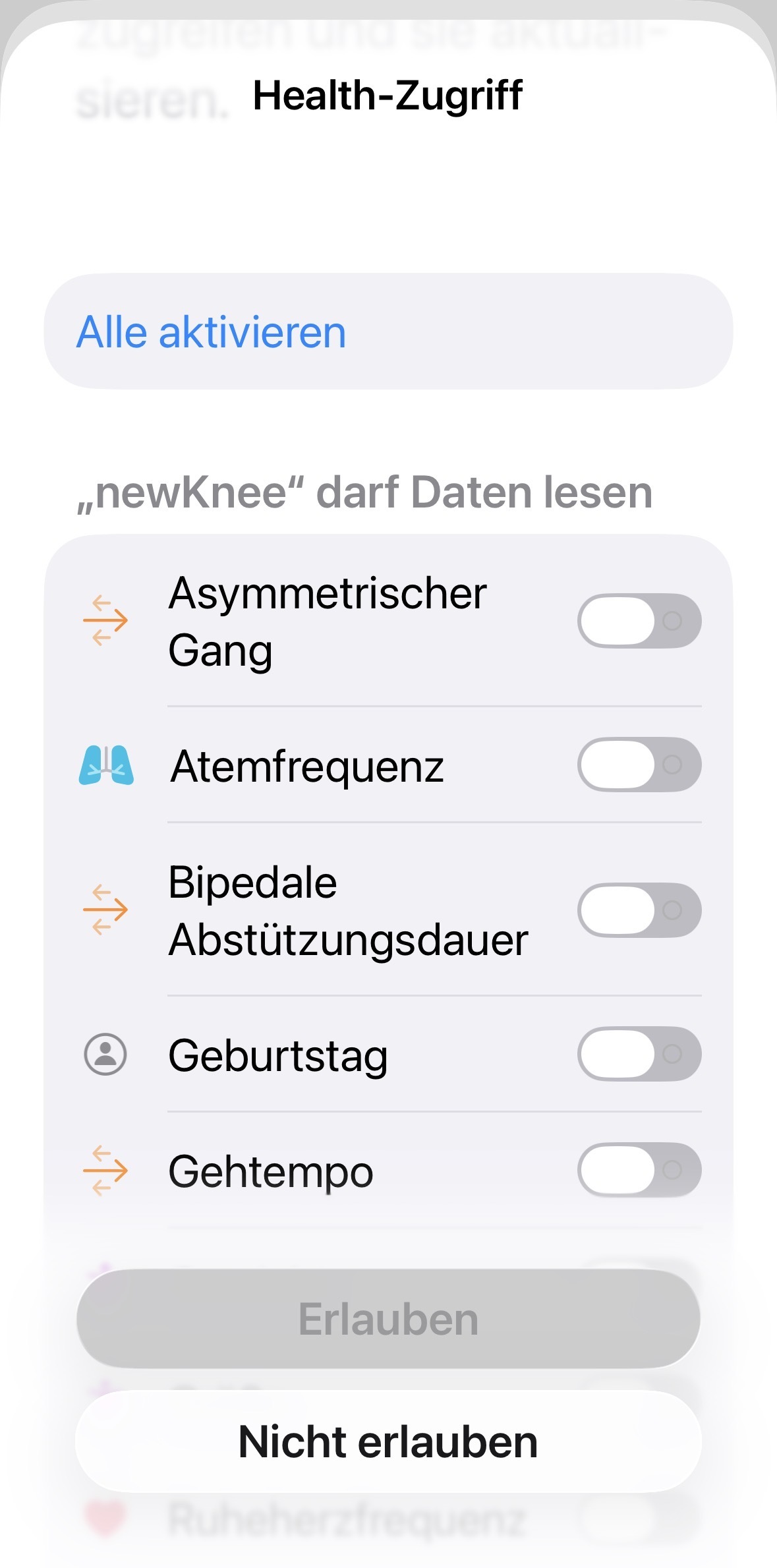
6. Data Release
Select which health data you would like to share.
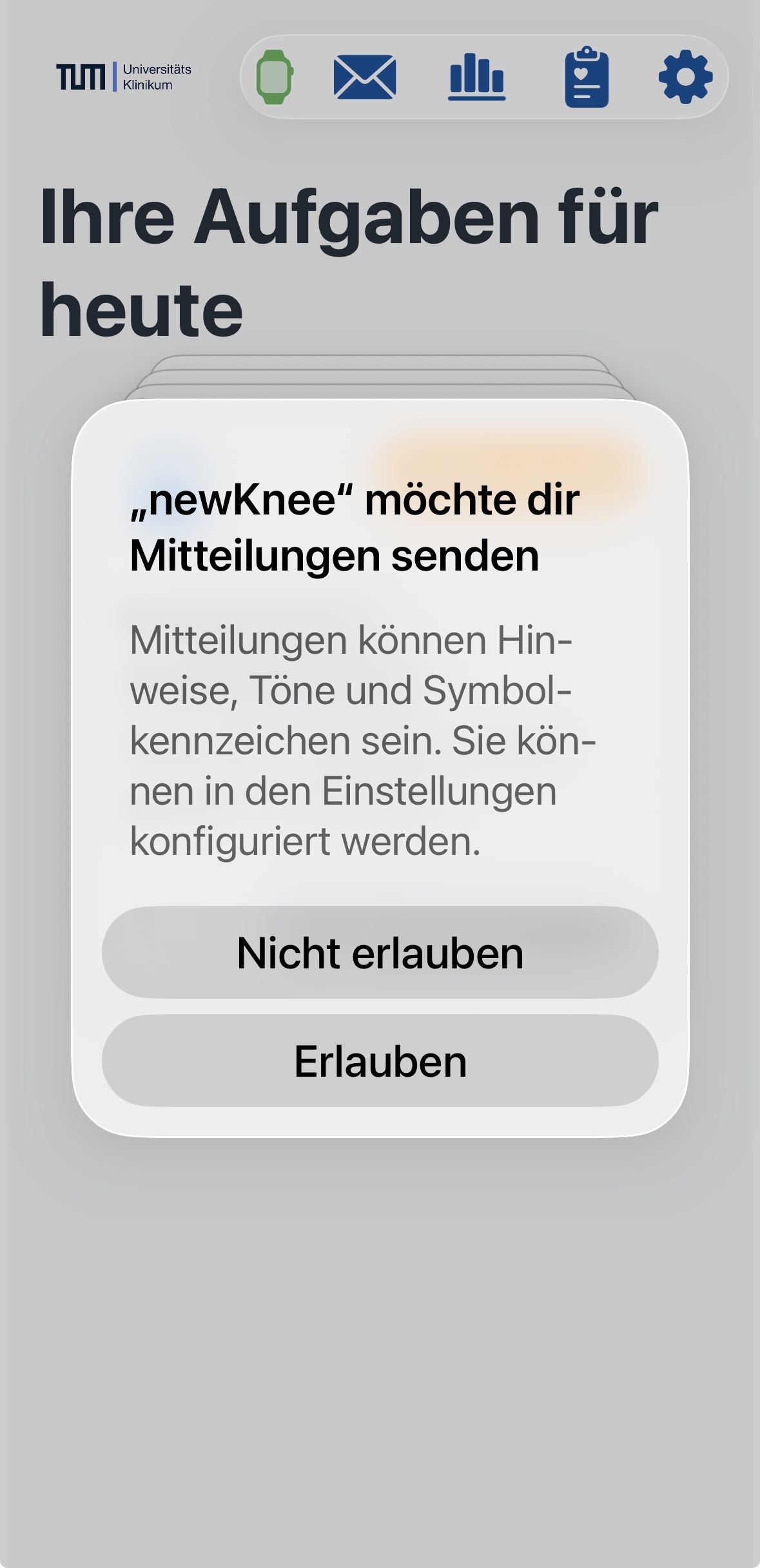
7. Completion
Grant permission for "Notifications". You can now start.
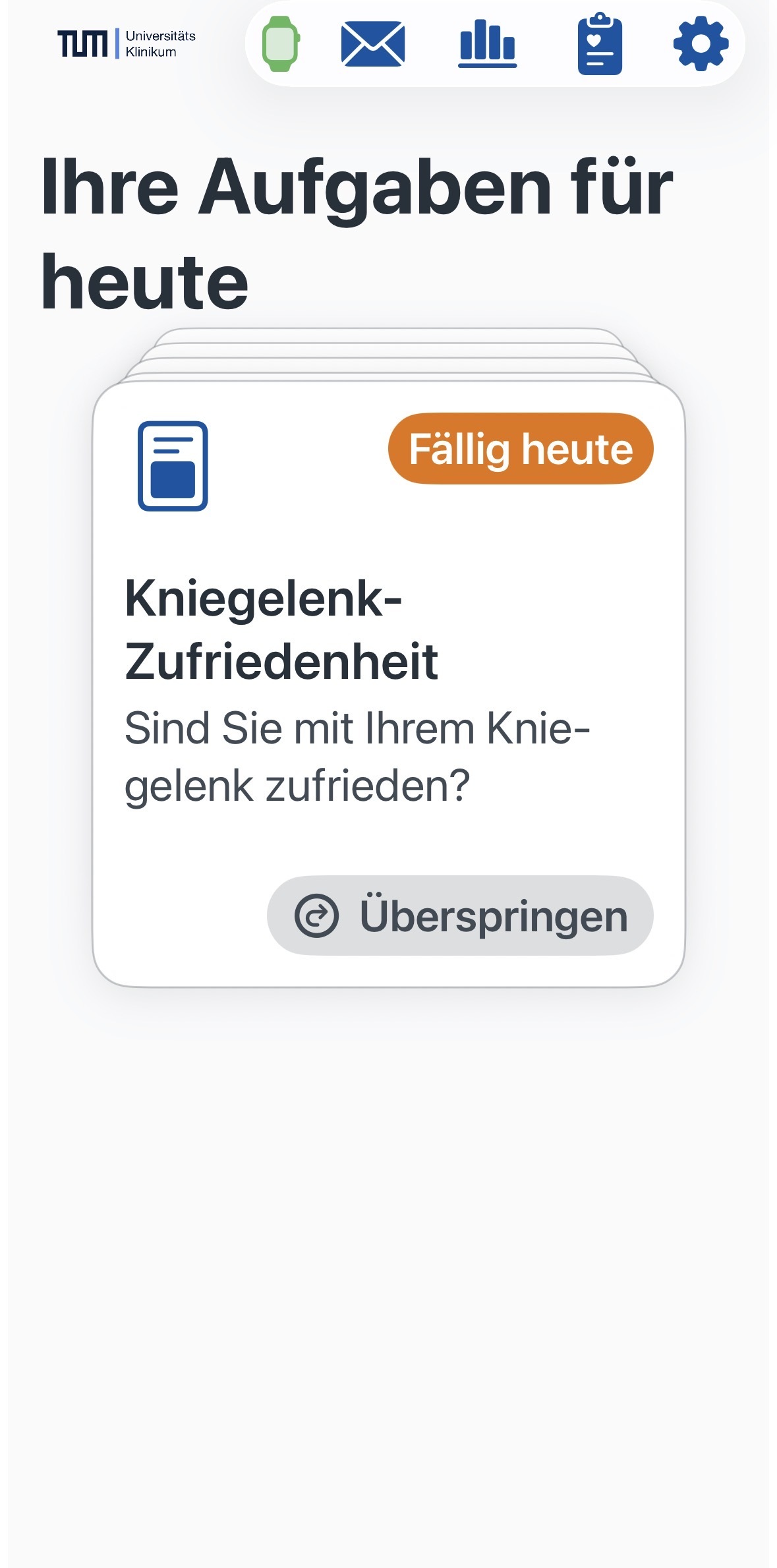
Troubleshooting: Missing Access
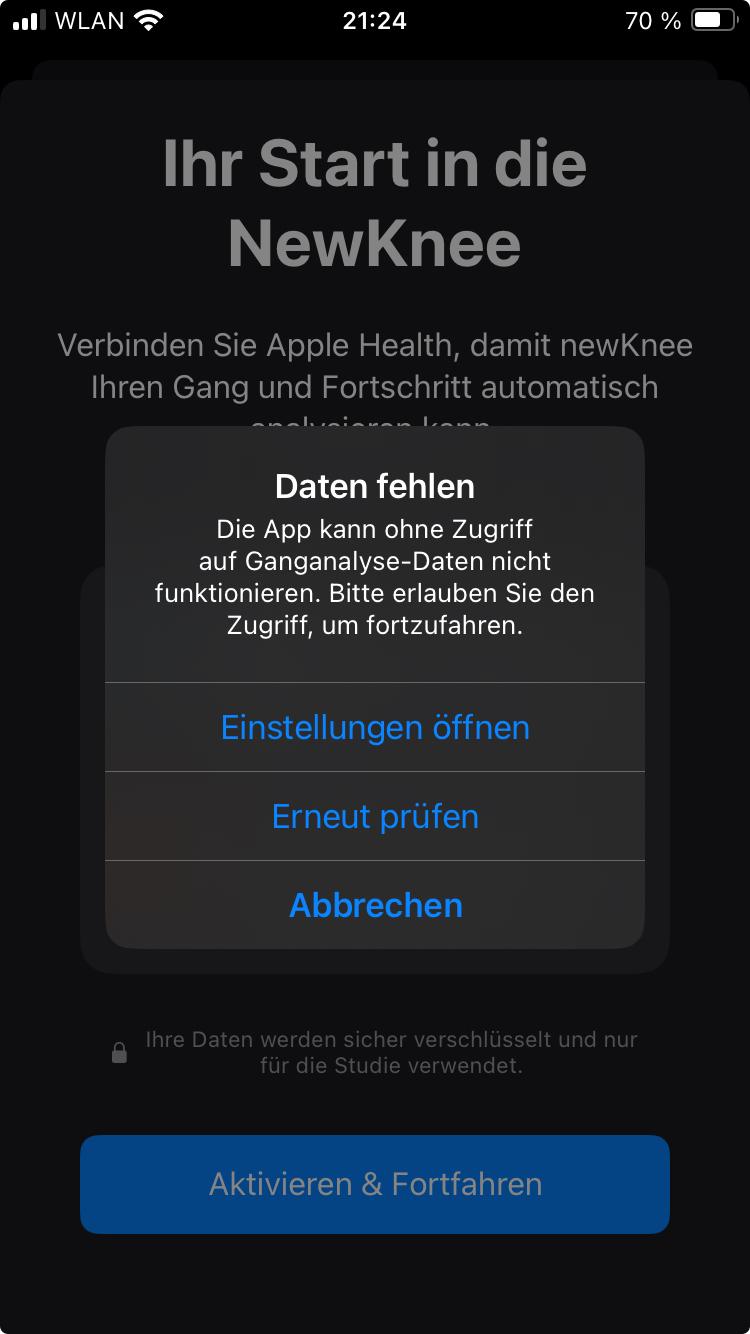
If the error message "Data missing" (see image) appears, it is usually due to missing permissions or because the iPhone has not yet calculated baseline values.
- Open your iPhone Settings.
- Navigate to Privacy & Security > Health > NewKnee.
- Ensure that access to all categories (especially Walking/Gait Analysis) is enabled.
- Important: The iPhone requires approximately one day (or more) of active data collection (carrying the phone while walking) to generate gait analysis values. Try activation again after this period.
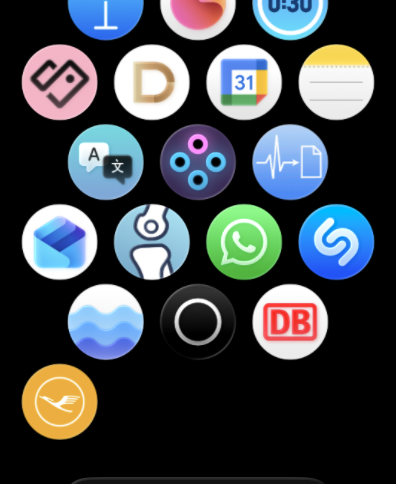
Installing NewKnee App for Apple Watch
1. When installing the NewKnee app, the newKneeWatch app is also installed on your Apple Watch. To use the Apple Watch for your knee angle measurements, follow the installation instructions on your Apple Watch. You can also adjust settings in your Watch app on your iPhone.
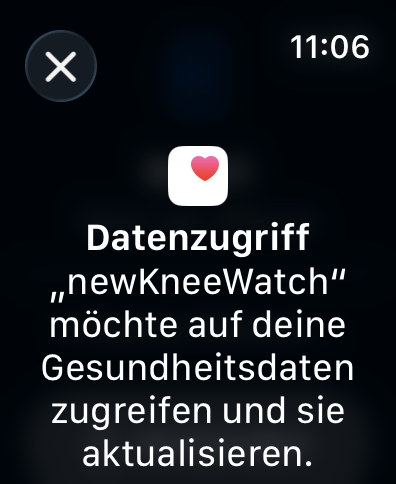
2. Grant data access on your Apple Watch.
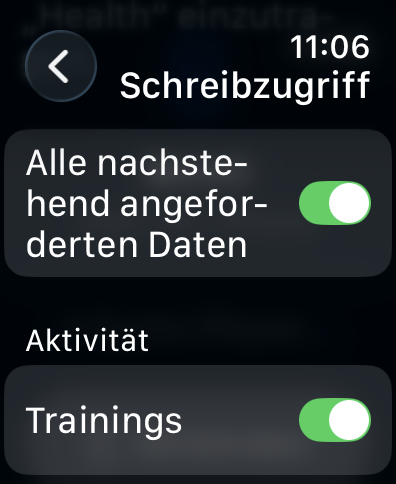
3. Next, grant "Write access" and "Read access" for requested data and workouts.
Pairing for Angle Measurements
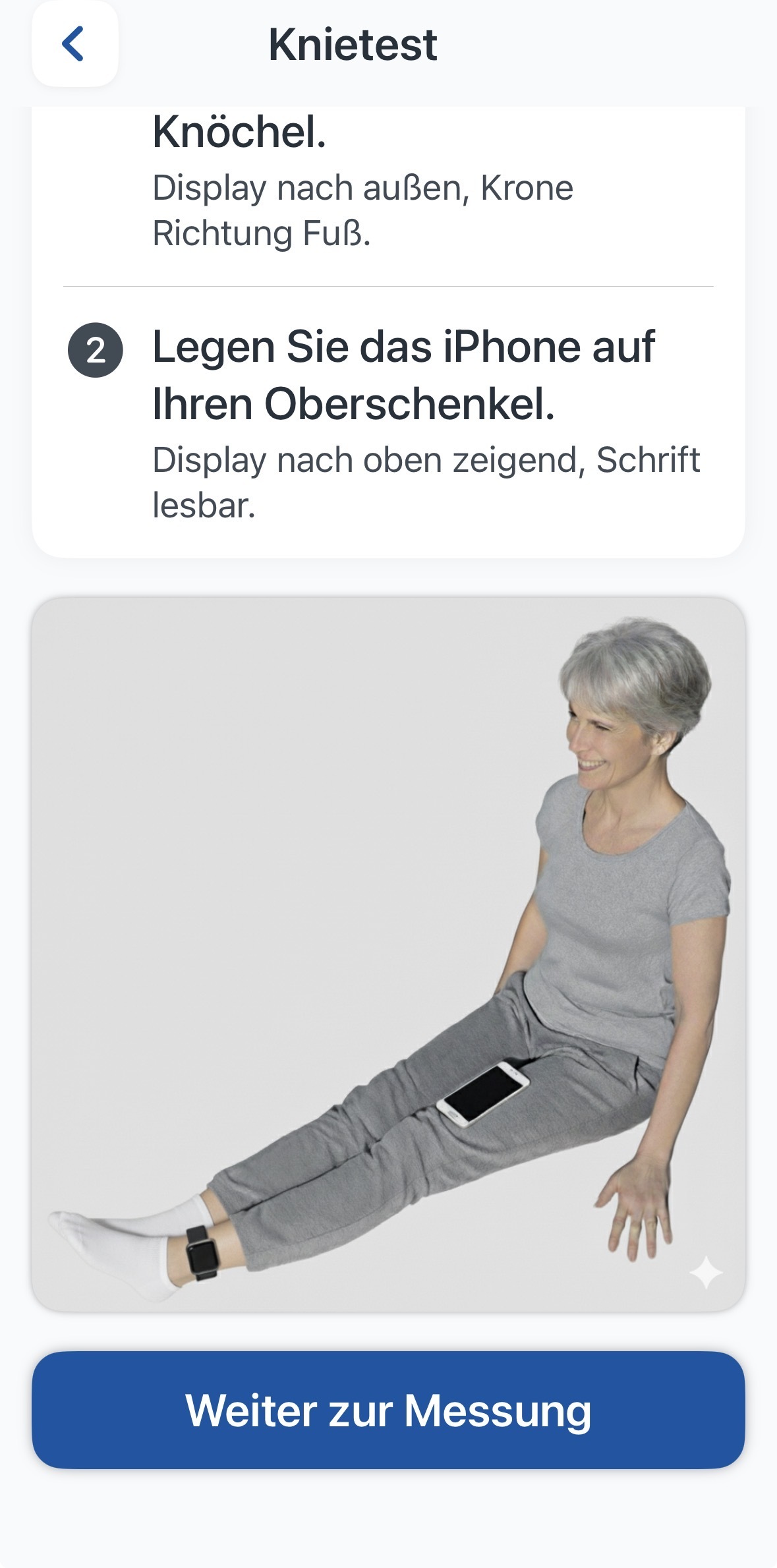
4. You can now pair the Apple Watch with your NewKnee app if you want to measure your knee joint angles. To do this, open "Perform Knee Test" on the app's start page and connect Apple Watch and the NewKnee app.
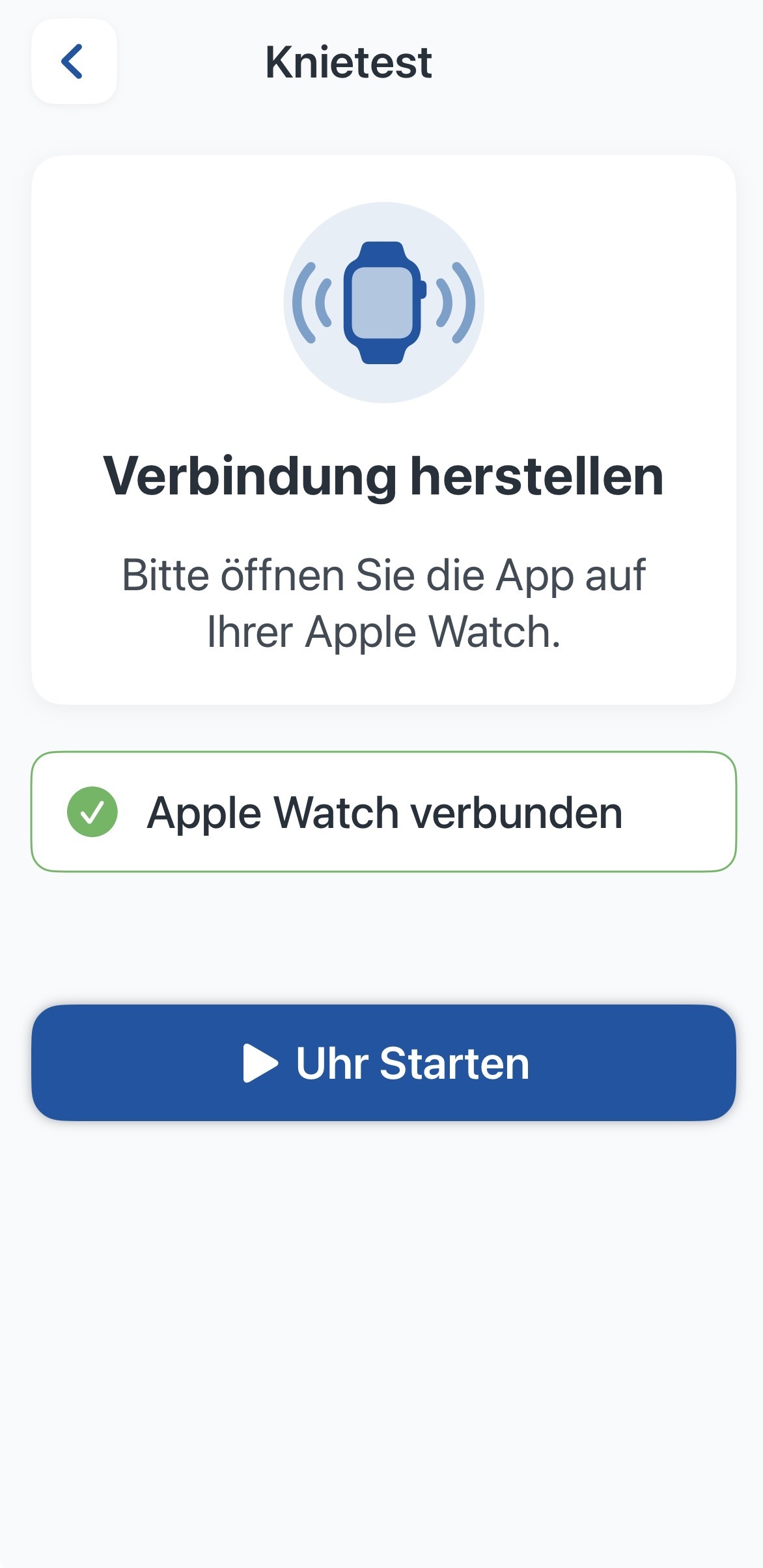
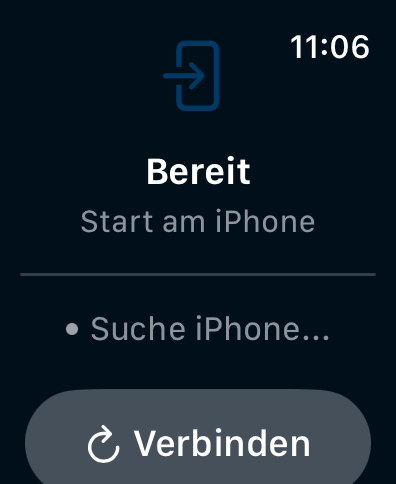
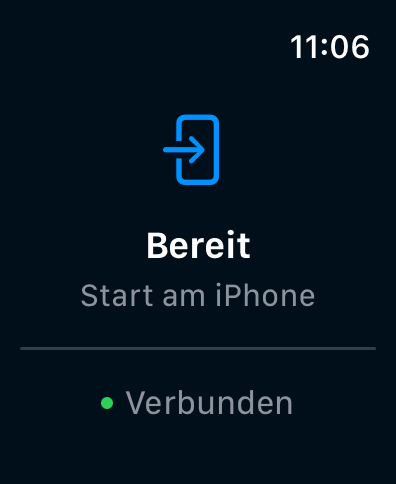
5. Once the connection is established, it will be displayed on the iPhone and the Apple Watch.
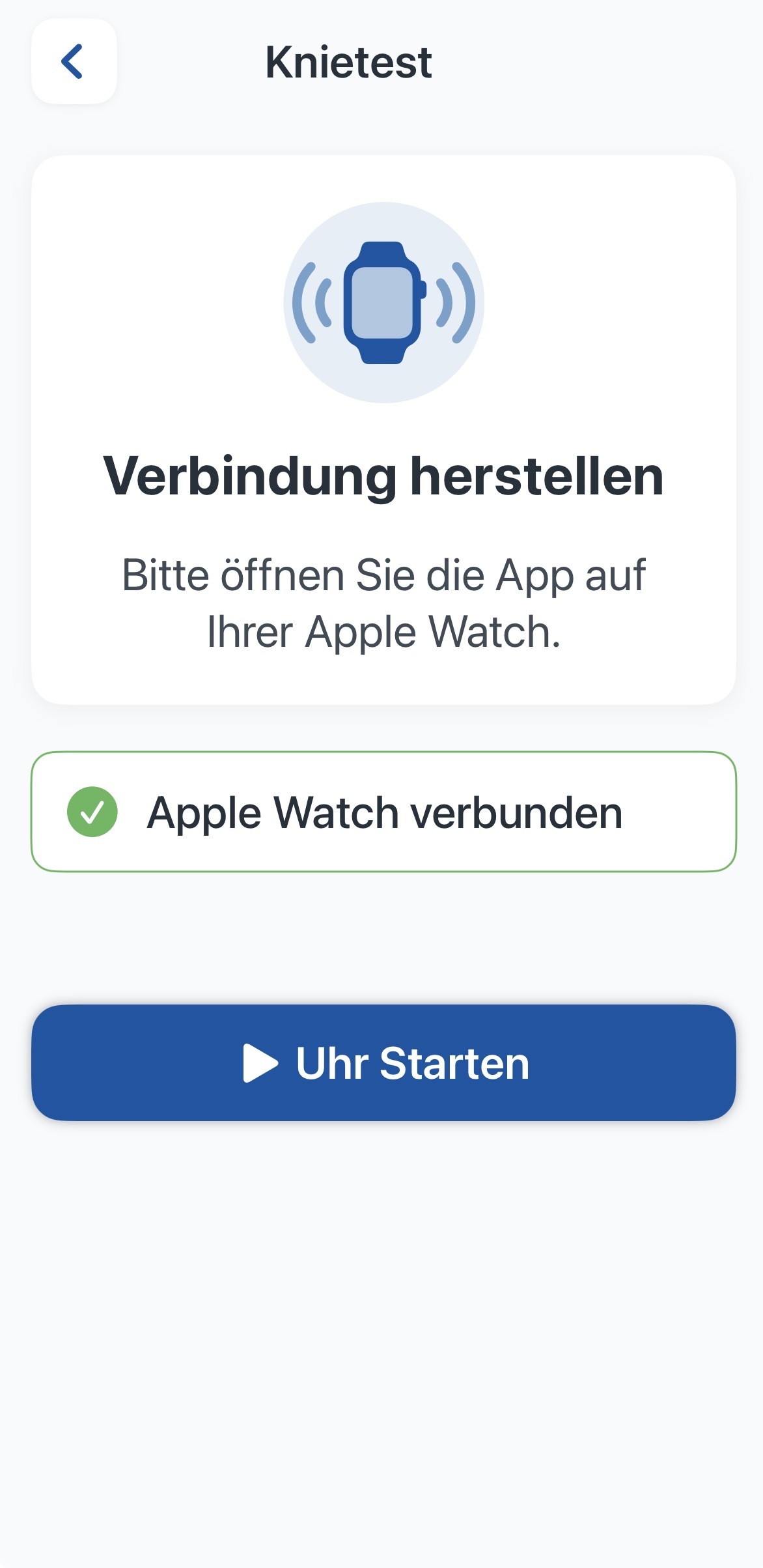
6. Now follow the instructions for the test.

Note: The NewKnee app is a research tool and not a medical device (MDR). Participation is voluntary and can be cancelled at any time.